For newsrooms & broadcasters
Break stories faster
from your own archive.
Search every word spoken on air across years of broadcast footage. Find the exact statement or clip that backs your story, with the speaker and a timestamp attached.
The footage exists. Finding it is the problem.
A newsroom running 24-hour coverage generates thousands of hours of footage every year. When a story breaks, producers spend hours scrubbing through tape, or skip the archive entirely and reshoot. Deepgrip indexes the speech and on-screen text of every broadcast, so a producer can search in plain language across 23 Indian languages and English and open the exact moment.
- Search years of broadcast footage in plain language, without manual scrubbing
- Find a statement by speaker, topic or phrase
- Get speaker-labelled transcripts for every moment retrieved
- Build a clip package with source and timestamp for the edit suite
- Search by what is shown on screen as well as what is said
- Index footage where it is held: NAS, LTO tape, cloud storage and MAM systems
Every word spoken on air, searchable.
Deepgrip transcribes and indexes every segment of your broadcast archive. Search by topic, speaker, keyword or phrase. Results arrive with a timestamp, the speaker label and the surrounding transcript, so a producer can verify the clip before using it.
Search by meaning across speech and on-screen text
Transcripts with speaker labels
Search by topic, speaker or keyword
23 Indian languages and English, including mixed-language speech
Broadcast search
Example
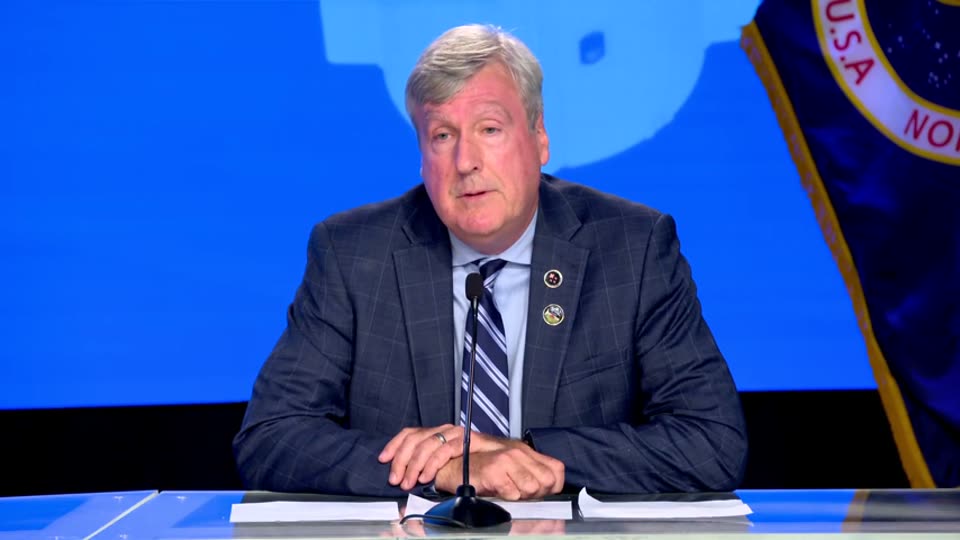
Find the shot, not just the sentence.
Describe what you need to see, or search for text that appears on screen such as a strap or ticker. Deepgrip returns the matching moments from your archive with a preview and a timestamp.
Search by what is shown on screen
Search for on-screen text such as straps and tickers
Preview of the matching moment
Embargo dates can be set on a video
Shot and on-screen search
Example

From search result to a package for the edit.
Select the moments you want and Deepgrip cuts the clips or builds a compilation, with each one linked to its source broadcast and timestamp. Export the clips as MP4 and the transcript as SRT, VTT, TXT or JSON.
Clips cut from the moments you select
Compilations across several broadcasts
Source and timestamp kept on every clip
Export as MP4, with transcripts as SRT, VTT, TXT or JSON
Clips and compilations
Example
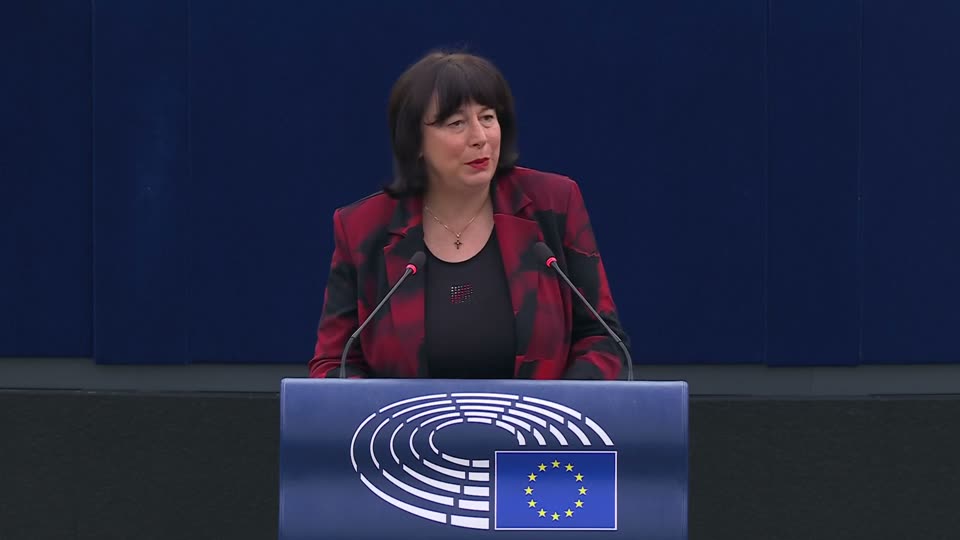
23
Indian languages plus English
NAS · LTO · MAM
Where footage is indexed from
Cloud or on-prem
Where Deepgrip runs
Timestamped
Every answer cites its source moment
Common questions
Is there software that searches a news archive by what was said or shown?+
Yes, that is what Deepgrip does. It transcribes every broadcast, including mixed-language speech, and reads the frames, so a producer can search by a quote, a name or a description of the shot. Results come back as moments with timestamps and the speaker. It runs next to your archive on your own servers or on Deepgrip cloud.
Can Deepgrip search Hindi and regional-language broadcasts?+
Yes. Deepgrip transcribes and indexes broadcasts in 23 Indian languages and English, including mixed-language speech such as Hindi and English. The reliable test is a sample of your own bulletins, which we run in the demo.
How does Deepgrip work with our existing MAM?+
Deepgrip sits alongside your media asset management system. It indexes footage where it is held, whether on a NAS, LTO tape, cloud storage or in the MAM, and returns results that link back to the source. Nothing in your existing infrastructure is replaced.
Can we index agency feeds and third-party rushes?+
Deepgrip indexes any video file you hold, whatever its source. You can set an embargo date on a video. Rights terms stay with your team.
How is the archive kept up to date as new broadcasts air?+
The NAS connector picks up new files when it rescans, on demand or on a schedule you set. Ask us about the cadence that suits your newsroom.
What can we export for the edit?+
Clips as MP4 and transcripts as SRT, VTT, TXT or JSON, each linked to its source and timestamp. Tell us if you need a specific broadcast format and we will confirm what is possible.
Make your broadcast archive a competitive advantage.
Book a demo with a sample of your archive. If it fits, we scope a paid 14-day proof of concept on a single channel or programme strand.